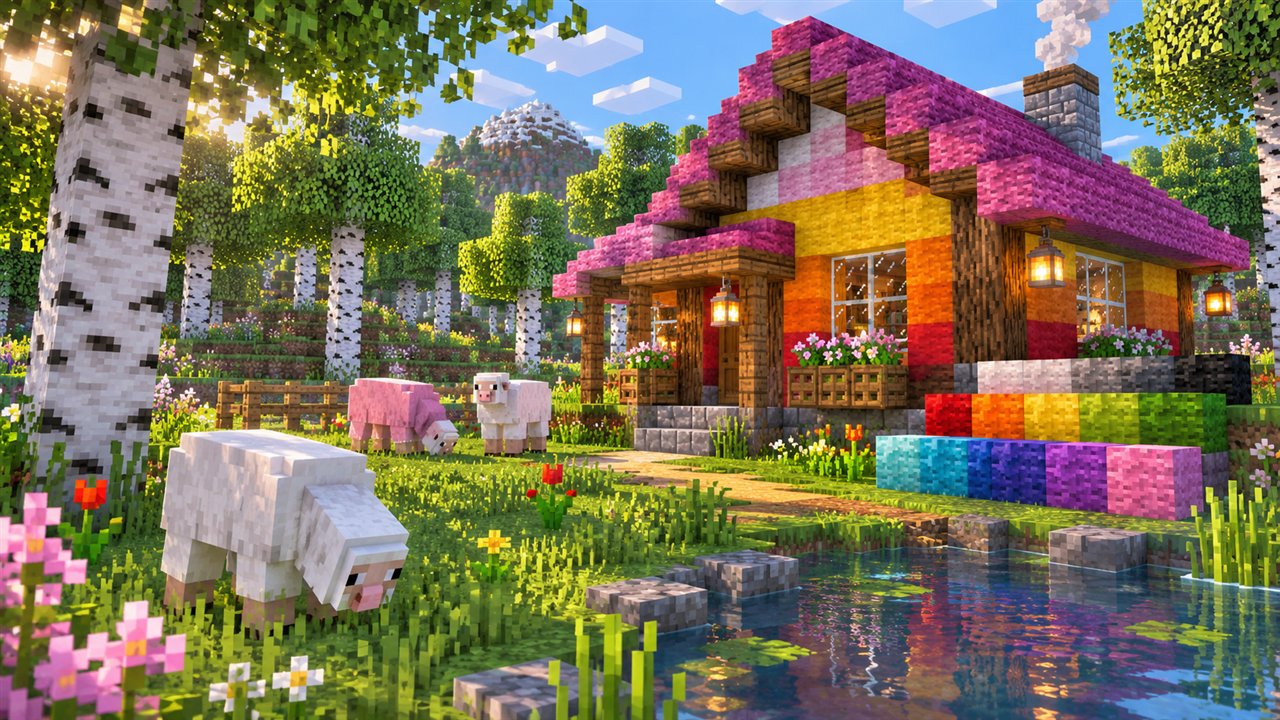
OptiFine Fabric is one of the most searched combinations in Minecraft modding, because many players want OptiFine's shaders and graphics settings alongside the lightweight Fabric mod loader. The short answer is that OptiFine is not built for Fabric, but there are ways to bridge the gap and alternatives that cover many of the same needs.
This guide explains why the two do not work together out of the box, how the OptiFabric compatibility mod fits in, what limitations to expect and how to choose the best approach for your setup.
Why OptiFine Does Not Run on Fabric Natively
OptiFine was designed to install as a standalone profile or to load inside Forge. Fabric uses a different system for loading mods and changing game code, so OptiFine has no built-in way to start through it. Simply placing the OptiFine jar in a Fabric mods folder does not work.
Both OptiFine and many Fabric mods also change the same rendering parts of Minecraft. Even when a bridge is used, those overlapping changes are the main source of conflicts and crashes.
What Is OptiFabric?
OptiFabric is a third-party compatibility mod created by members of the Fabric community. Its job is to load OptiFine inside a Fabric environment, allowing players to use OptiFine features with some Fabric mods. It is not made by the OptiFine developer.
OptiFabric has supported a number of Minecraft versions over the years, but its updates have not always kept pace with new releases. Check its project page for the versions it currently lists before planning a setup.
OptiFabric needs specific versions of Fabric Loader, Fabric API and OptiFine to line up. A mismatch in any one of these usually prevents the game from starting.
Setting Up OptiFine with OptiFabric
If OptiFabric supports your Minecraft version, the setup follows a predictable pattern. Use a fresh Fabric profile for testing rather than your main modded instance.
- Install Fabric Loader for your exact Minecraft version.
- Add Fabric API and OptiFabric versions that match that release.
- Place the OptiFine jar for the same Minecraft version into the mods folder.
- Launch the Fabric profile and confirm OptiFine settings appear in Video Settings.
Add other Fabric mods one at a time afterwards. If the game crashes, the most recently added mod is the likely cause.
Limitations of Using OptiFine on Fabric
Even when OptiFabric works, the combination comes with trade-offs. Many popular Fabric performance and rendering mods are not compatible with OptiFine because both try to change the same systems.
| Area | What to expect |
|---|---|
| Version support | Depends on OptiFabric updates, which may lag behind new releases |
| Rendering mods | Many Fabric rendering and performance mods conflict with OptiFine |
| Stability | More moving parts means more chances of crashes |
| Updates | Every game update requires new versions of several components |
Fabric-Friendly Alternatives to OptiFine
Many Fabric players choose a different route: instead of bridging OptiFine, they combine Fabric mods that each handle one part of what OptiFine offers. This approach often stays more up to date with new Minecraft versions.
Performance Options
Sodium is a widely used Fabric rendering optimisation mod, and it is often paired with other small mods that improve lighting updates or memory use. Together they focus on frame rate and smoothness.
Shader Options
Iris is a Fabric shader loader designed to work with Sodium. It supports many shader packs that were originally written for OptiFine, which lets Fabric players use popular shaders without OptiFine itself.
Zoom and Texture Features
Separate Fabric mods exist for zooming, connected textures and other resource pack features. Coverage varies, so check that the resource pack you want lists support for these options.
Choosing Between Forge, Fabric and Standalone OptiFine
The best setup depends on what you value most. Each path has clear strengths:
- Standalone OptiFine: simplest option for players who only want OptiFine features.
- OptiFine with Forge: official support for loading inside Forge, suited to Forge modpacks.
- OptiFine with OptiFabric: possible on supported versions, but less predictable.
- Fabric alternatives: a flexible, often faster-updating set of separate mods.
Read the OptiFine Forge guide if you are leaning towards Forge, or the installation guide for the standalone method.
Testing a Fabric Setup Safely
Combining OptiFine with Fabric involves more parts than a standard install, so a careful testing routine pays off. Use a separate game directory for experiments so your main worlds, settings and resource packs stay untouched if something fails.
Create a fresh world for testing instead of loading an important save. If the game crashes, read the latest crash report in the crash-reports folder, which usually names the mods involved and points you towards the conflict.
- Keep a list of every mod version you install.
- Change only one component at a time.
- Remove OptiFine and OptiFabric first if you need to confirm the cause of a crash.
OptiFine Fabric FAQs
Can I put OptiFine in my Fabric mods folder?
Not on its own. Without a bridge such as OptiFabric, Fabric cannot load OptiFine, and the game will either ignore it or fail to start.
Is OptiFabric made by the OptiFine developer?
No. OptiFabric is a community-made compatibility mod. Questions about it should go to its own project page rather than to OptiFine.
Can Fabric players use OptiFine shader packs?
Many shader packs written for OptiFine also work with the Iris shader loader on Fabric. Check the shader pack's notes for confirmed support.
Which is better for shaders on Fabric, OptiFabric or a shader loader?
For most current versions, a dedicated Fabric shader loader is the more practical choice because it tends to receive updates sooner. OptiFabric makes sense mainly when you specifically need OptiFine features on a version it supports and accept the extra testing it requires.
Conclusion
OptiFine Fabric setups are possible through the third-party OptiFabric mod, but only on versions it supports and with a higher risk of conflicts. For players who want everything to work smoothly, standalone OptiFine or OptiFine with Forge remain the most direct routes.
If you prefer Fabric, consider dedicated Fabric performance and shader mods that cover similar ground. Whichever path you choose, match every version carefully and test in a separate profile first. You can start by checking builds in our download section.